
The self-hosted Jira alternative.
Ekso runs on infrastructure you control: public cloud, private cloud, or on-premise.
Ekso is a self-hosted alternative to Jira that runs on your own infrastructure — public cloud, private cloud, or on-premise. It combines tasks, tickets, helpdesk, time tracking, and financial reporting in a single workspace, with flat-rate pricing for unlimited users and a 100+ tool MCP server for AI agent integration. Use a resumable collect-and-apply workflow to rehearse and validate a Jira migration before cutover.
Last updated May 2026 · Jira Data Center end-of-life March 2029
Ekso vs Jira — self-hosting comparison
A direct comparison of the features that matter most to teams evaluating a self-hosted Jira replacement in 2026.
| Feature | Ekso | Jira (Data Center / Cloud) |
|---|---|---|
| Hosting model | Self-hosted — your infrastructure, always | Data Center (on-prem, EOL 2029) or Cloud-only |
| Restricted-network planning | Reviewed for the chosen configuration | Not available on Cloud |
| Pricing model | Flat-rate, unlimited users | Per-seat (~$8–$16/user/month on Cloud) |
| Helpdesk & ticketing | Built in — same workspace as tasks | Separate product (Jira Service Management) |
| Time tracking | Built in, with financial reporting | Third-party add-on required |
| Financial reporting | Built in — margin per project, team, client | Not available |
| AI / MCP server | 100+ tool MCP server ships in the box | Atlassian Intelligence (Cloud only) |
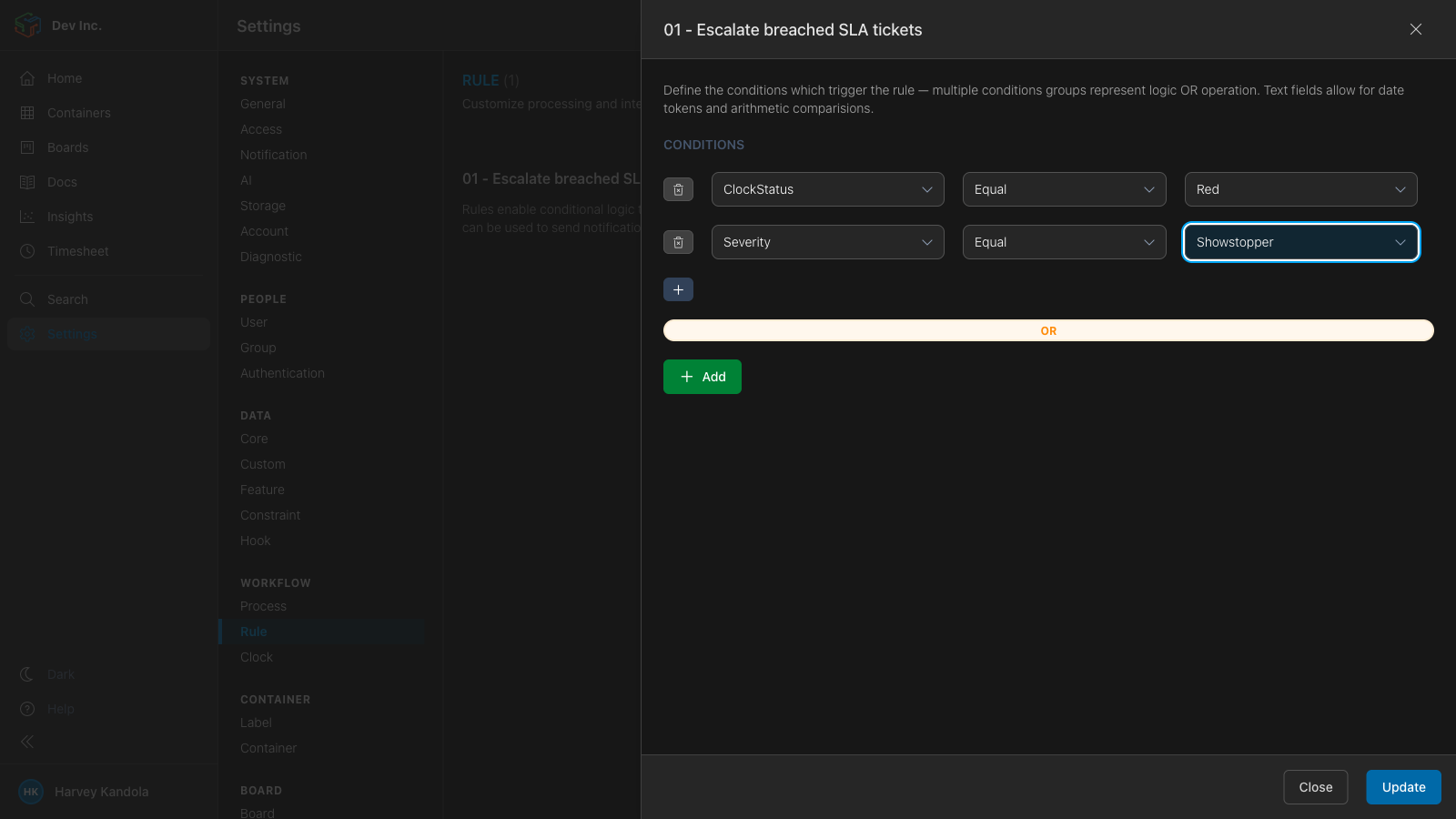
| Configuration | Click-and-configure. No XML. | XML config, Groovy scripting for advanced rules |
| Compliance boundary | Customer-operated infrastructure and controls | Vendor SLA + data processing agreement required |
| Data Center end-of-life | No EOL. Self-hosted roadmap continues. | March 2029 — Atlassian confirmed |
| Migration from Jira | ekso migrate jira collect → apply | N/A |
| Bring your own AI model | Anthropic, OpenAI, Azure Foundry | Atlassian AI only |
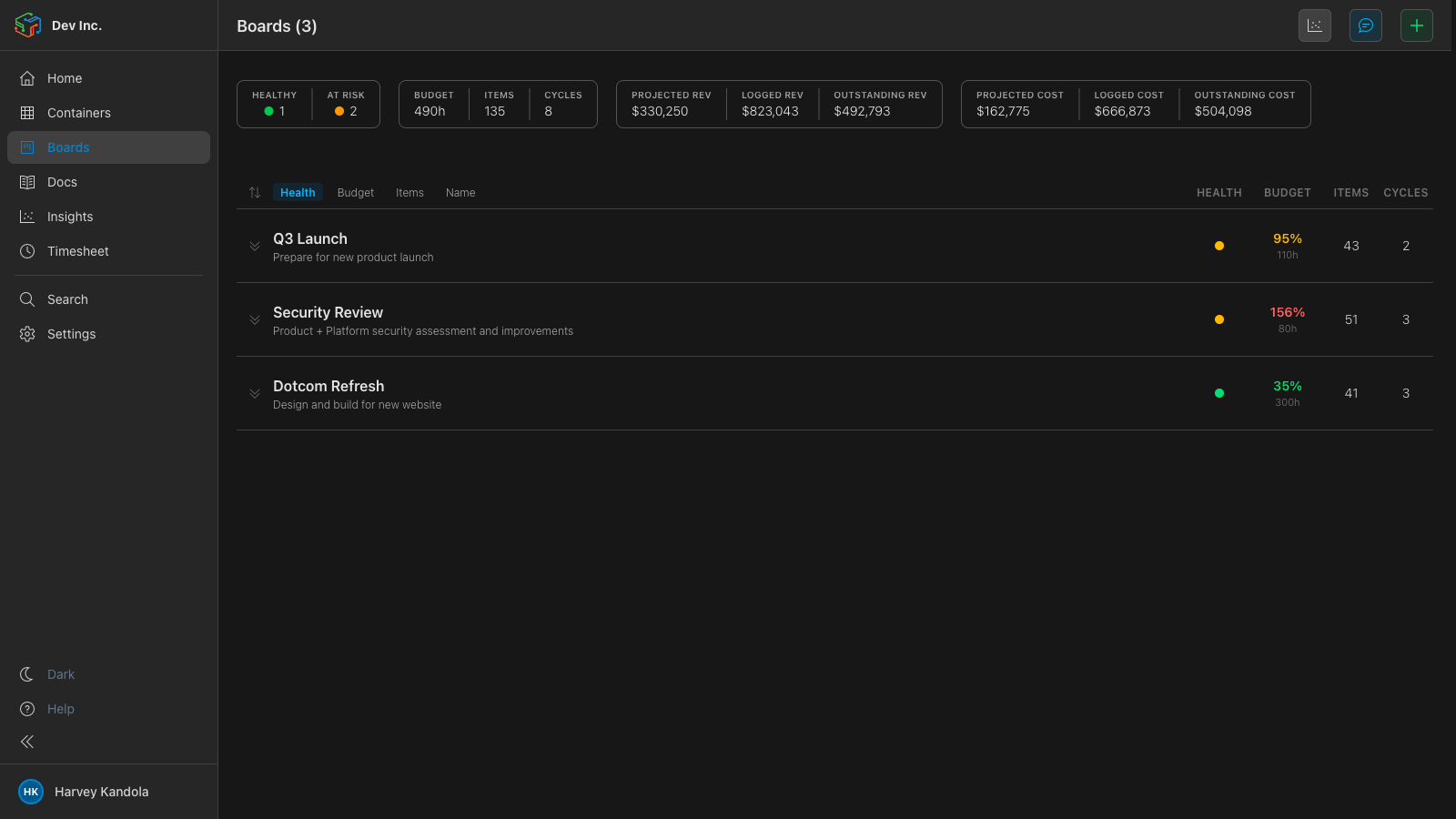
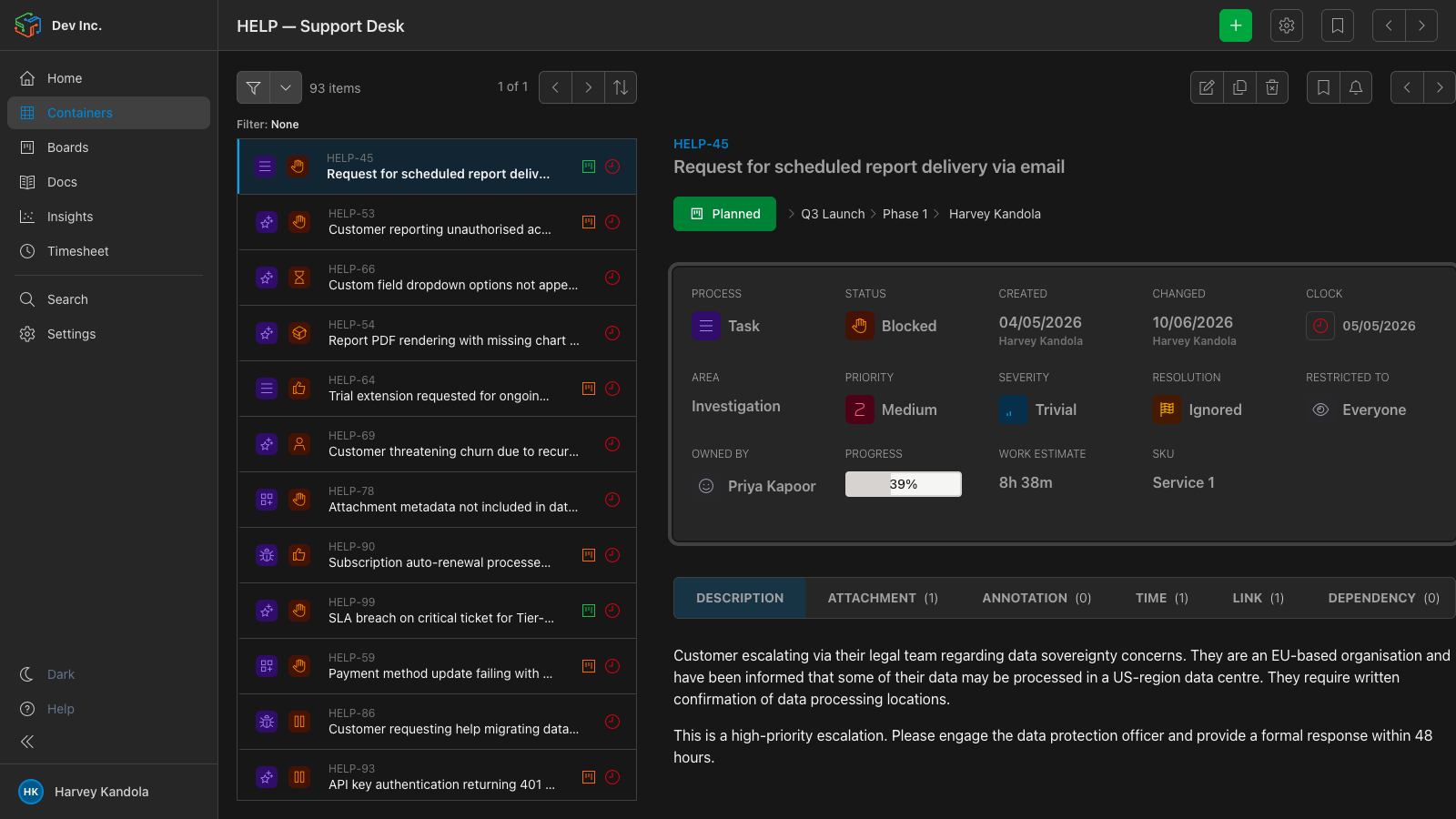
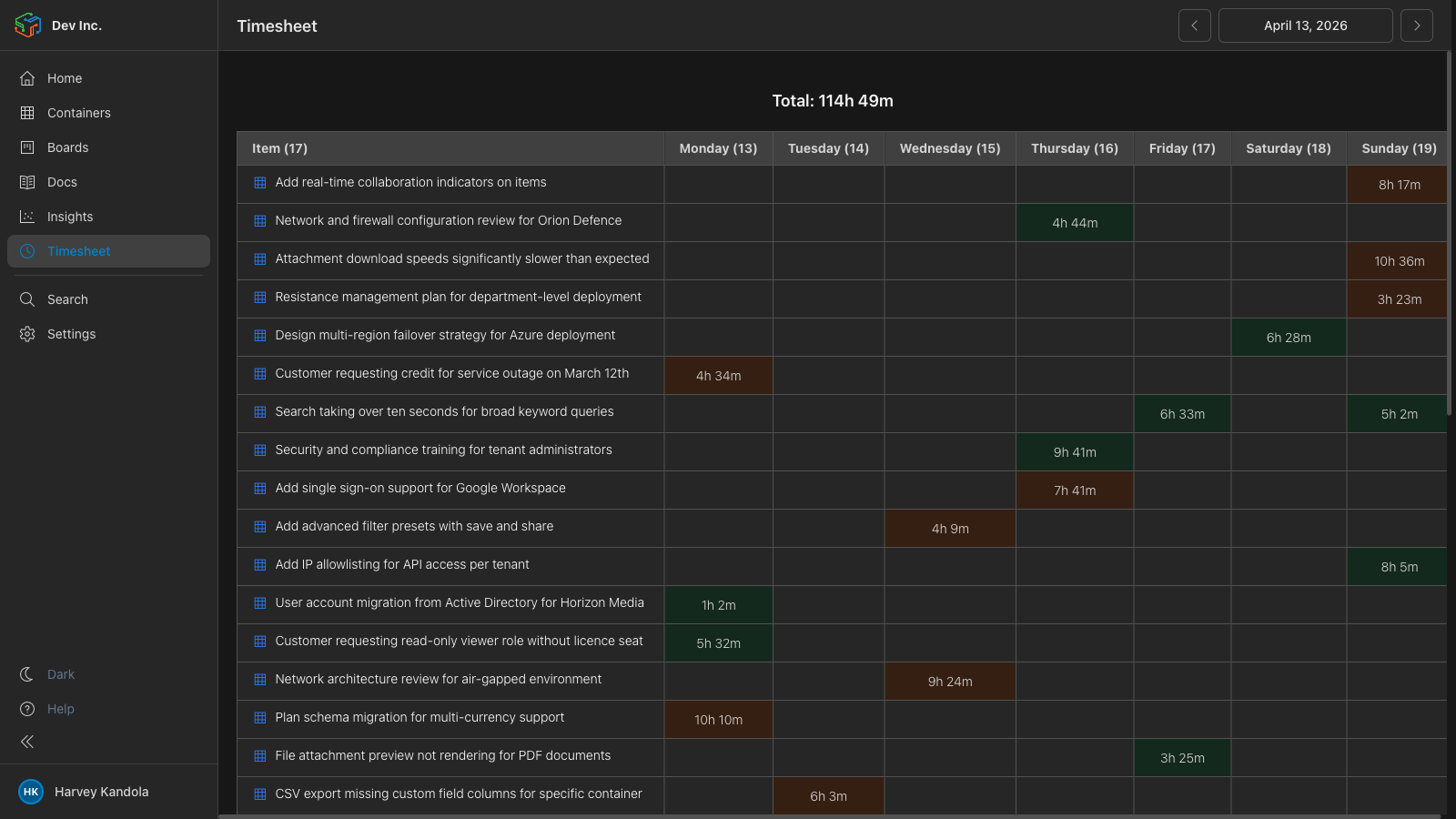
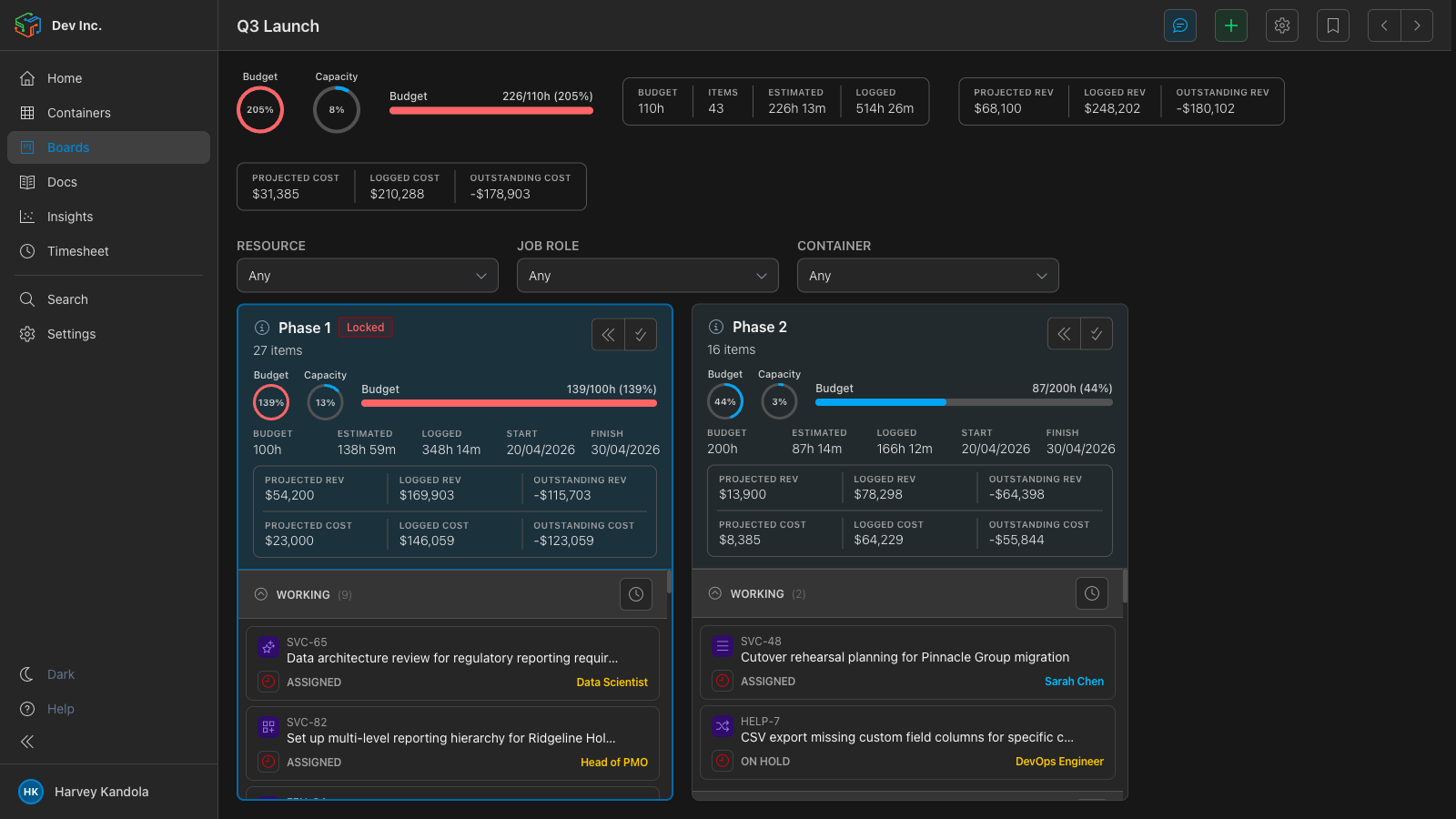
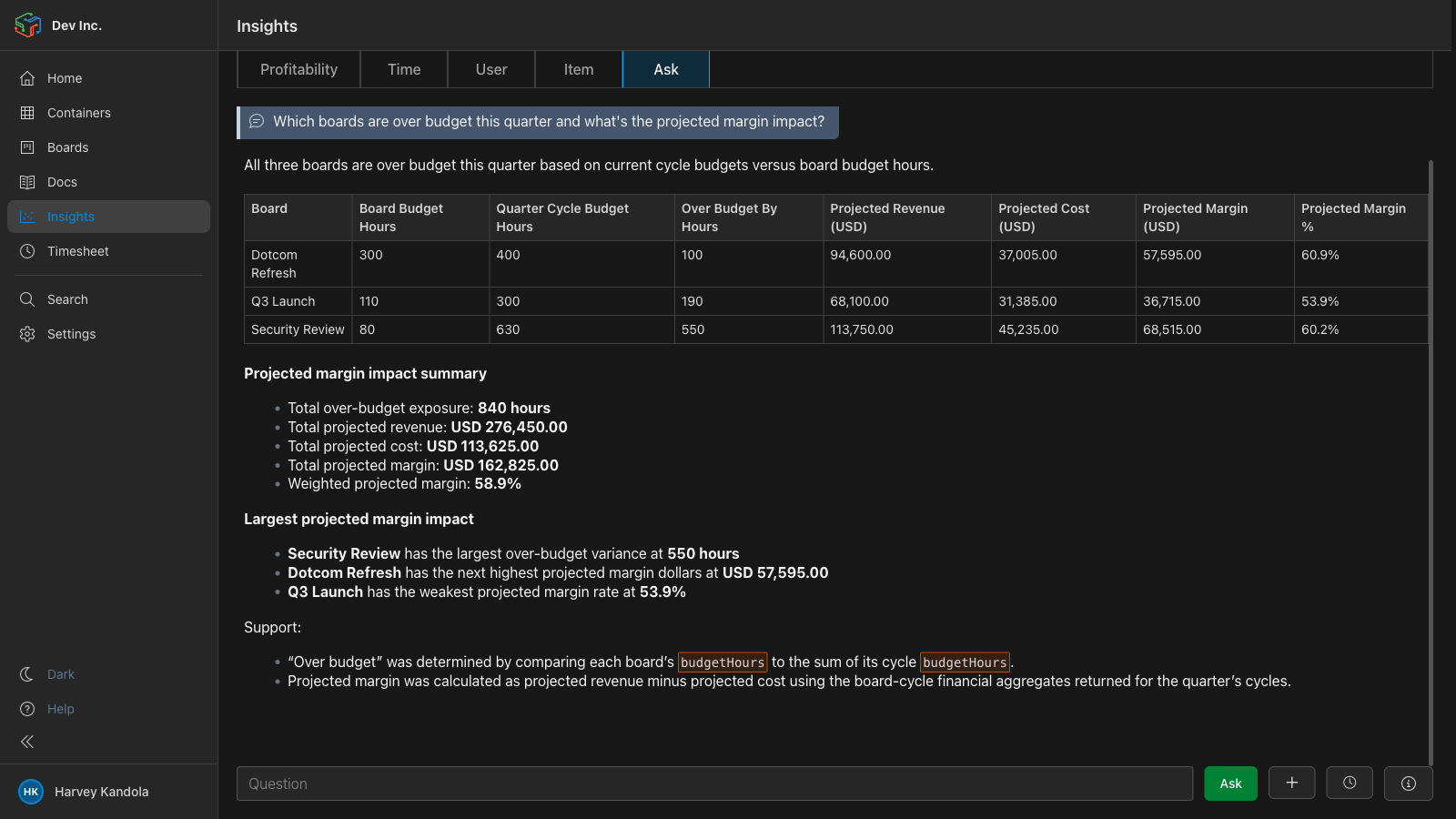
Everything Jira spread across six products — in one workspace
Jira’s modularity is its legacy burden. Ekso ships the full stack — tasks, tickets, docs, time, AI, and finance — as a single self-hosted install.
Migrate from Jira in two commands
The Ekso CLI handles the full migration from Jira — Data Center or Cloud — with attribution, comments, attachments, and sprint history preserved. Dry-run anything. Resume if interrupted.
ekso migrate jira collect --config migration.config.json --project ACME
ekso migrate jira apply   --config migration.config.json --process <process-id> --dry-run
ekso migrate jira apply   --config migration.config.json --process <process-id>
The CLI authenticates with your Jira instance and exports issues, comments, attachments, sprint data, and custom fields. Works with Jira Cloud and Data Center.
Run apply --dry-run to preview every change before anything is written. Check field mappings, user attribution, and project structure.
Run apply to write the migration. The process is resumable — if interrupted, restart from where it stopped. No duplicates.
Rehearse the migration, validate field and identity mappings, then schedule the production cutover around your source size and operating constraints.
Your boundary. Not a vendor promise.
Ekso runs on infrastructure you operate, giving your team control over the core application data boundary. Compliance is determined by the complete system — including hosting, identity, integrations, access controls, retention, contracts, and operating procedures — and must be assessed for your use case.
Atlassian has confirmed Jira Data Center will reach end-of-life in March 2029. Teams running on-premise Jira today either move to Jira Cloud — giving up self-hosting — or migrate to a self-hosted alternative. Ekso is self-hosted by design, with no planned EOL on the self-hosted roadmap.
Questions teams ask before switching
Ekso is a self-hosted alternative to Jira. It runs on your own infrastructure — public cloud, private cloud, or on-premise — and covers tasks, tickets, helpdesk, time tracking, and financial reporting in a single workspace. Ekso charges a flat-rate annual license with no per-seat fees, which makes it significantly cheaper at scale. It also ships with a 100+ tool MCP server, so Claude, Cursor, and other AI agents read and write workspace data directly.
Atlassian has confirmed that Jira Data Center will reach end-of-life in March 2029. After that date, Atlassian will no longer release security patches or feature updates for the on-premise Data Center product. Teams currently running Jira on-premise will need to either migrate to Jira Cloud — which requires surrendering self-hosting — or move to a self-hosted alternative such as Ekso before the deadline.
The Ekso CLI migrates from Jira using two commands: ekso migrate jira collect exports your Jira data (issues, comments, attachments, sprint history, custom fields) and ekso migrate jira apply imports it into Ekso with attribution preserved. The migration supports a --dry-run flag for previewing changes before committing, is fully resumable if interrupted, and works with both Jira Cloud and Jira Data Center. Teams should rehearse the process and size the cutover window from their own source data and operating constraints.
Customer-operated deployment can support your GDPR or HIPAA program by giving you control over infrastructure and core application data. It does not make a system compliant automatically. Your legal and security teams must assess the full deployment, integrations, contracts, access controls, retention, and operating procedures.
Ekso uses flat-rate annual pricing with no per-seat fees, which makes it substantially cheaper than Jira at scale. Jira Cloud charges approximately $8.15 per user per month on Standard and $16 per user per month on Premium (as of 2026). A team of 100 users on Jira Premium costs roughly $19,200 per year. Jira Data Center pricing is also per-user-tier. Ekso’s flat-rate license covers unlimited users — the per-user cost decreases as your team grows, instead of increasing.
Yes. Ekso ships with a 100+ tool MCP server and a CLI, both included in the standard install at no additional cost. Claude, Cursor, ChatGPT, GitHub Copilot, and any other tool that speaks MCP reads and writes Ekso workspace data directly — the same data your team uses. Bring your own AI model keys (Anthropic, OpenAI, Azure Foundry) and swap models at any time. No separate agent gateway license.